Coffee break
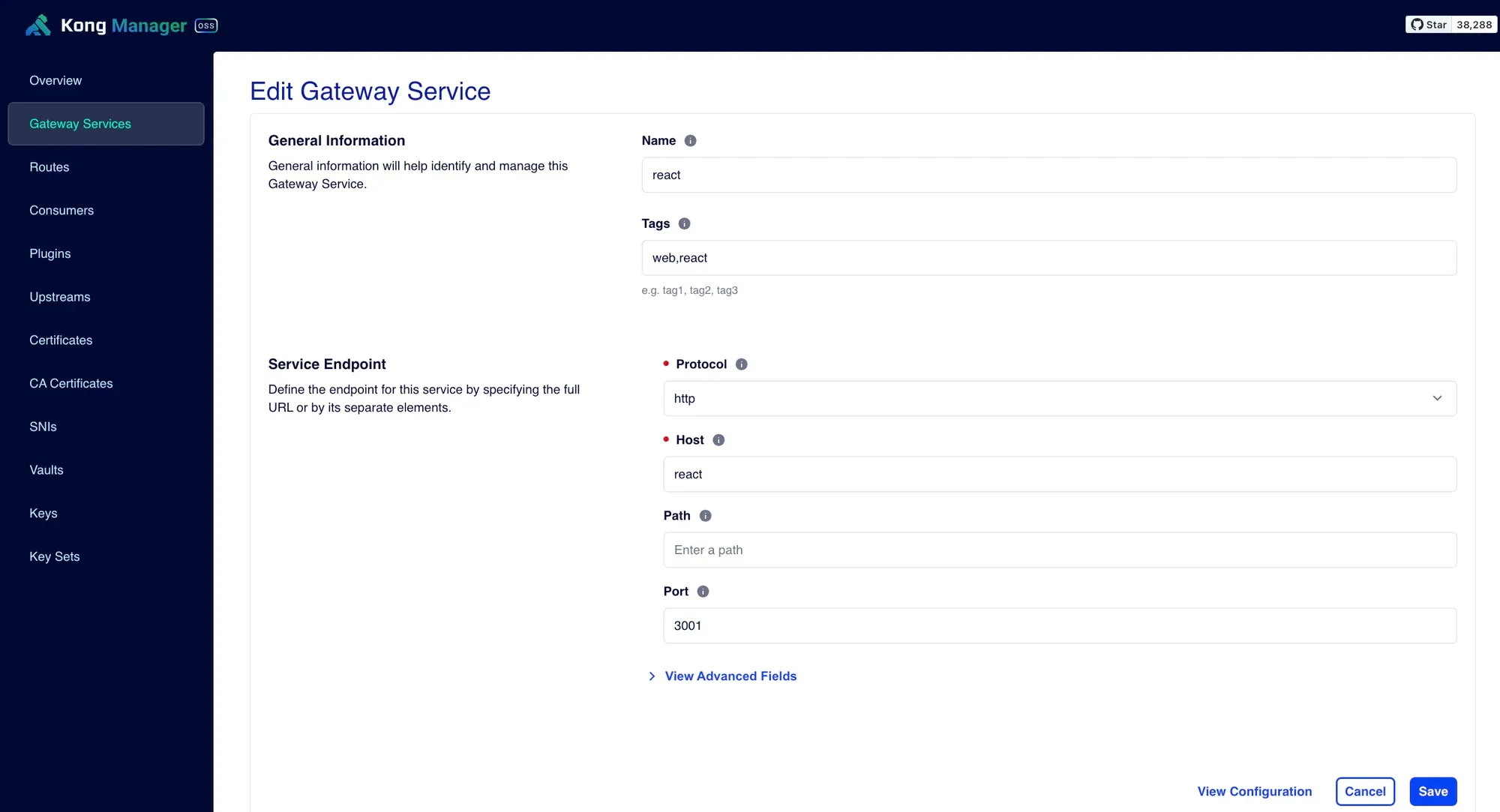
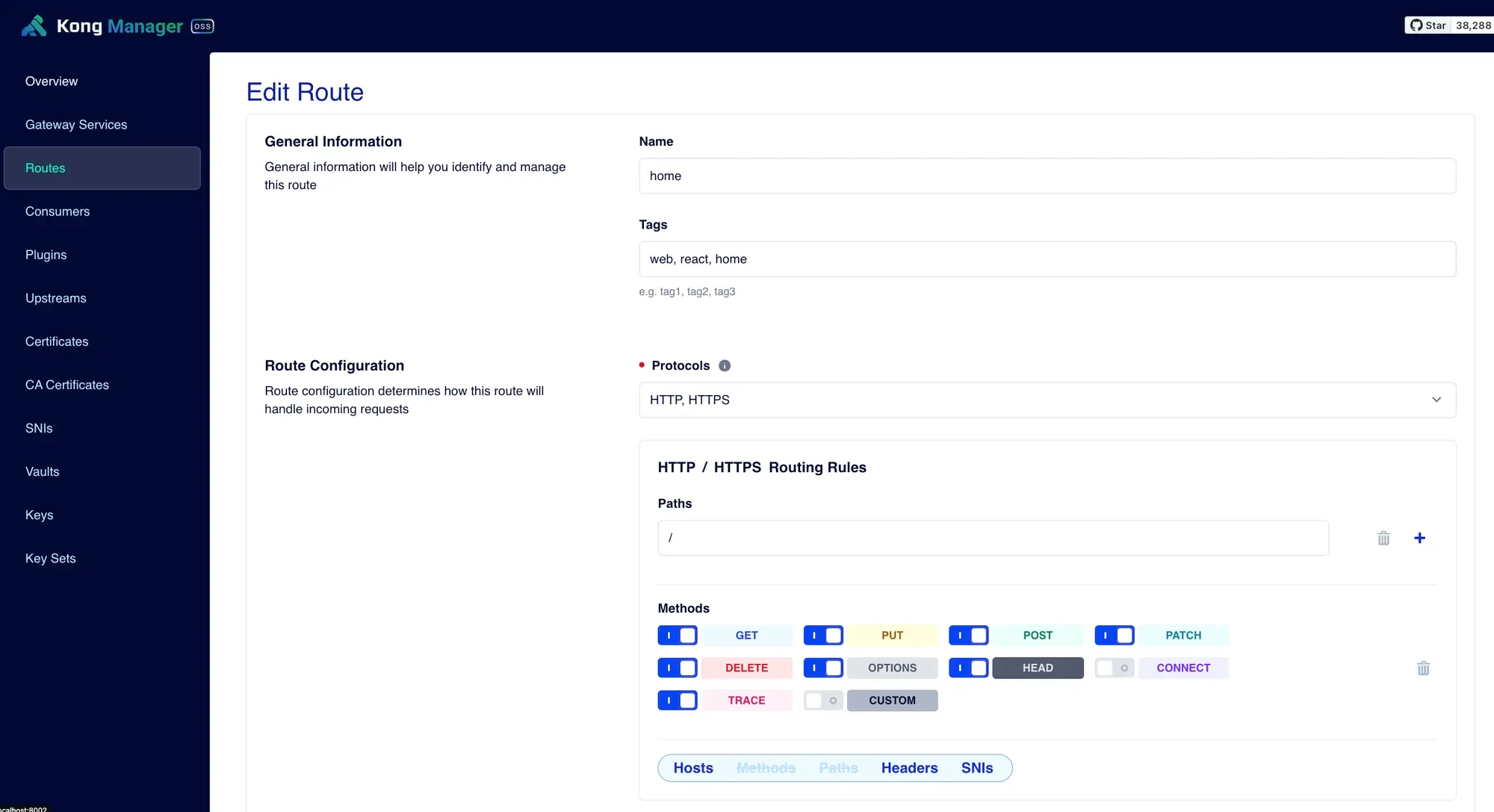
Exercise: create the React and Next.js services in Kong yourself, with the answer folded below.
- series
- Kong Workshop
- episode
- ตอนที่ 5 จาก 20
- read
- อ่าน 2 นาที
ลองสร้าง service ของ
- React
- Next
ด้วยตัวเองดู
เฉลย
React
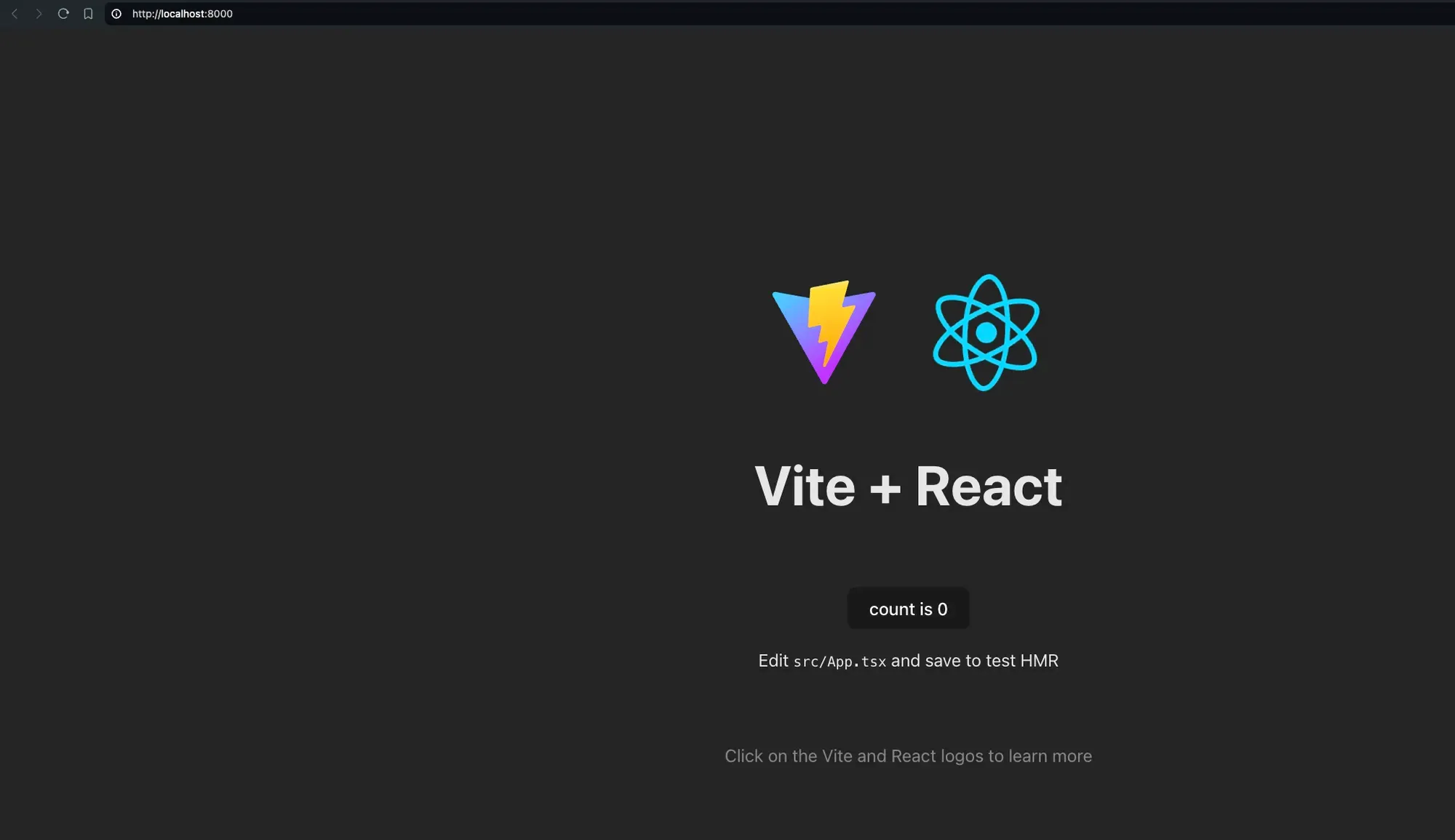
เข้าไปที่ localhost:8000
จะได้แบบนี้
Next
อันนี้จะเป็นตัวอย่างที่จะเอา service เรามาใช้กับ Kong API Gateway ได้สองแบบ
- ใช้ path
- ใช้ subdomain
ทั้งสองแบบจะ setup service เหมือนกันแบบนี้
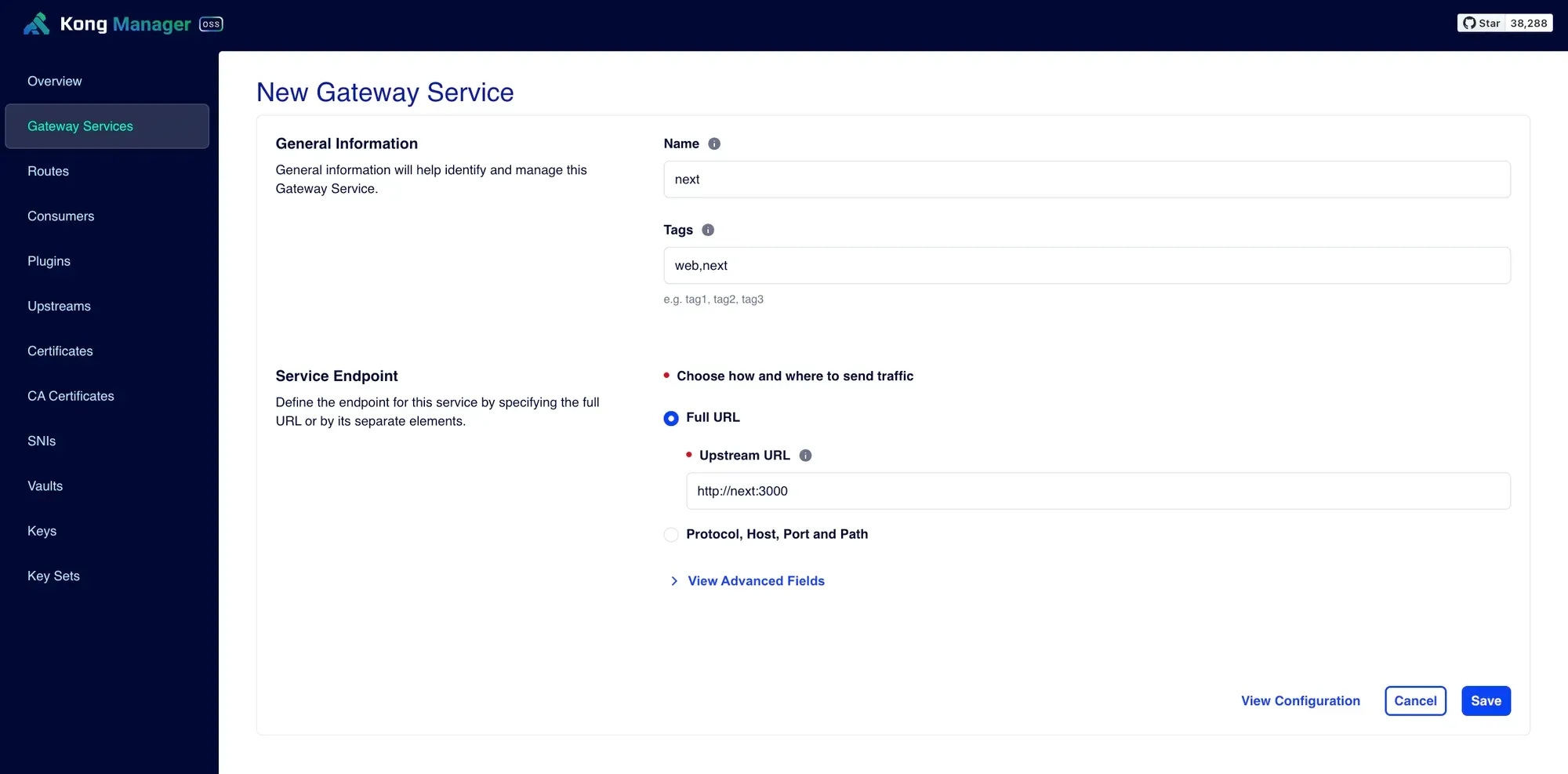
01. ใช้ URL Path
ในที่นี้จะให้เข้าถึง Next ผ่าน path localhost:8000/admin
ฉนั้น
ใน next.config.mjs จะต้องไป set basePath ด้วย
/** @type {import('next').NextConfig} */const nextConfig = {  output: "standalone",  basePath: "/admin",};
export default nextConfig;
แล้วก็ build image ใหม่อีกรอบ แล้ว run docker compose ใหม่อีกรอบนึง
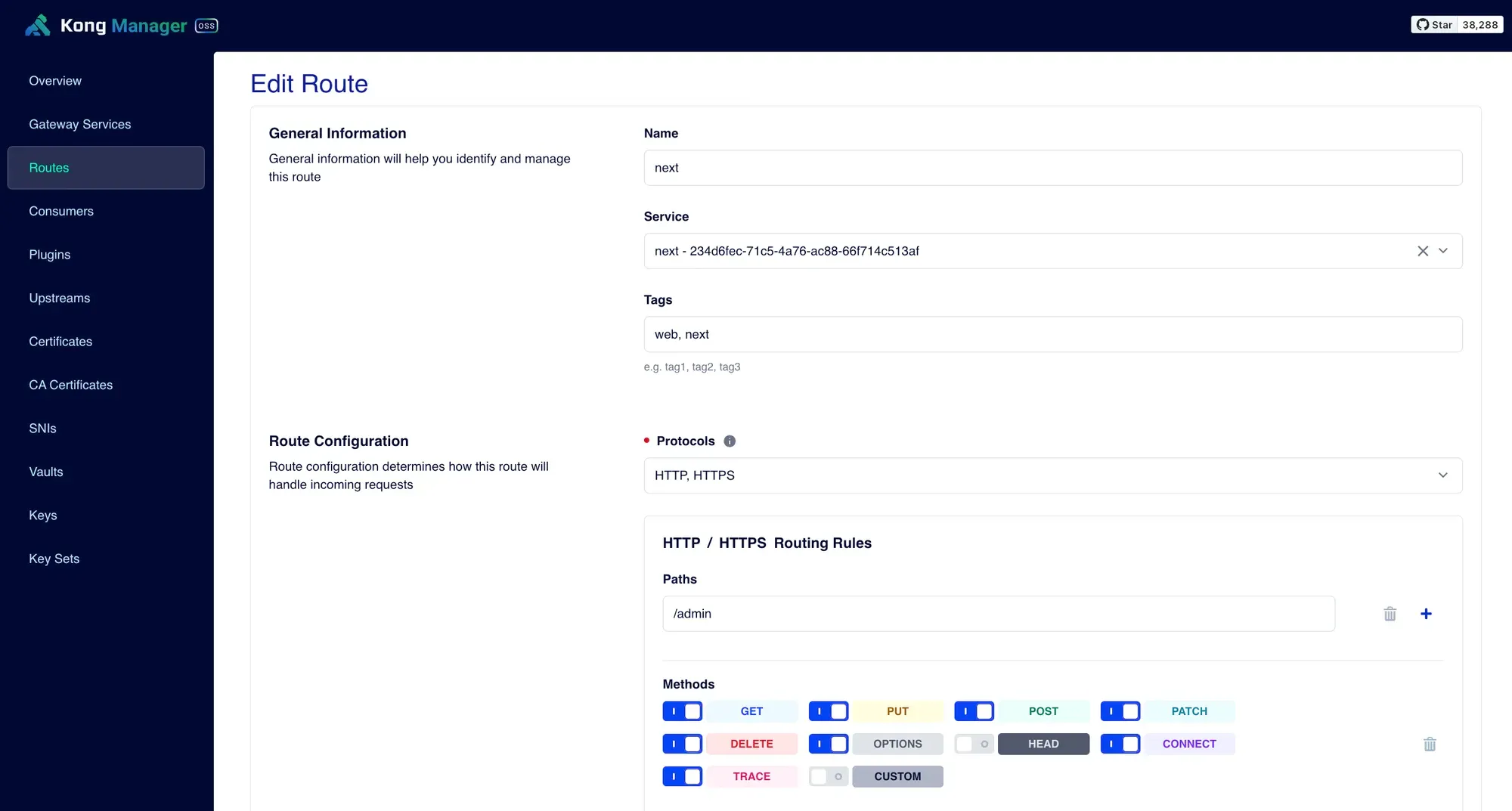
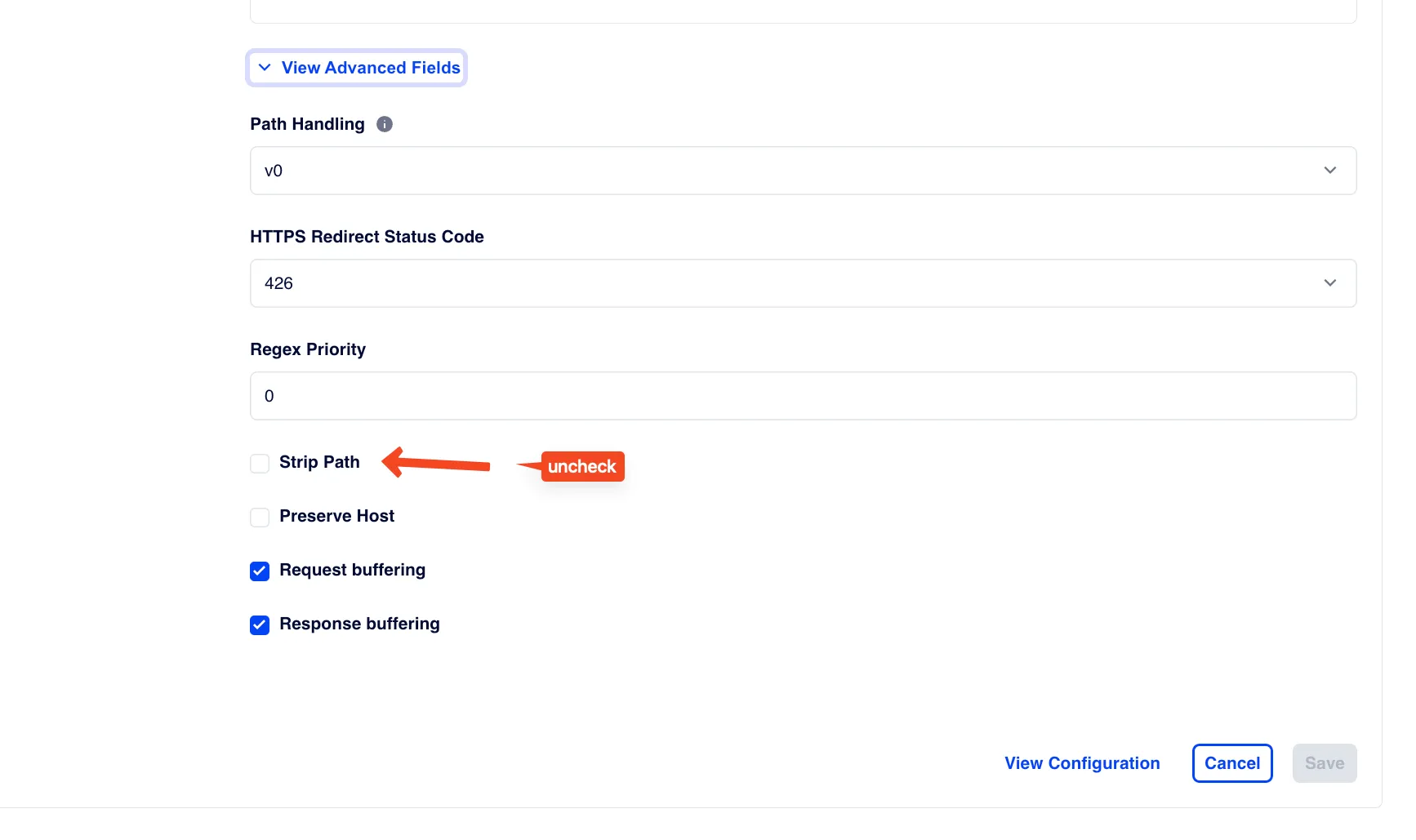
ลองตรวจสอบดู เข้าไปที่ localhost:8000/admin
02. ใช้ Subdomain
อันนี้ไม่ต้องแก้ code อะไร
แต่เราตอนนี้เราทำบนเครื่องเราเอง ไม่ได้มี domain ก็เลยต้องไปแก้ hostsfile บนเครื่องเรา
ในเครื่อง linux/mac จะอยู่ที่ folder /etc/hosts
ก็ให้ใส่บรรทัดนี้เพิ่มไปที่ด้านล่างสุด
127.0.0.1 admin.myweb.comตรงนี้จะทำให้เราใช้ domain admin.myweb.com แทน localhost ปกติได้เลย เหมือนกับว่าเราจดโดเมนที่ใช้แค่บนเครื่องเราคนเดียว
ที่ Route ก็จะ setup แบบนี้
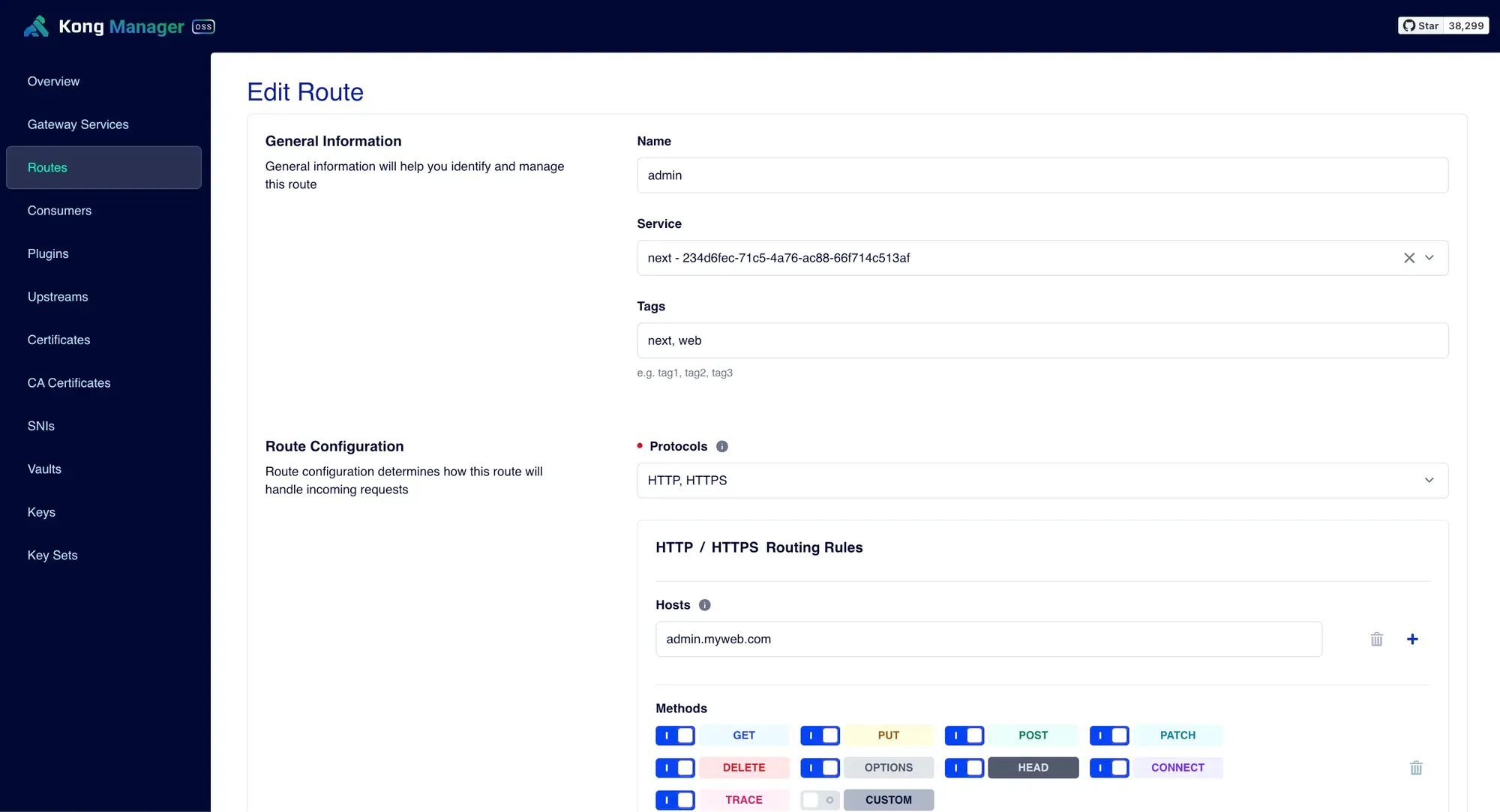
จะเห็นว่ามี Hosts เพิ่มเข้ามาด้วย และค่าที่ใส่ก็คือ domain ที่เราพึ่งจะเพิ่มเข้าไปนั่นแหละ
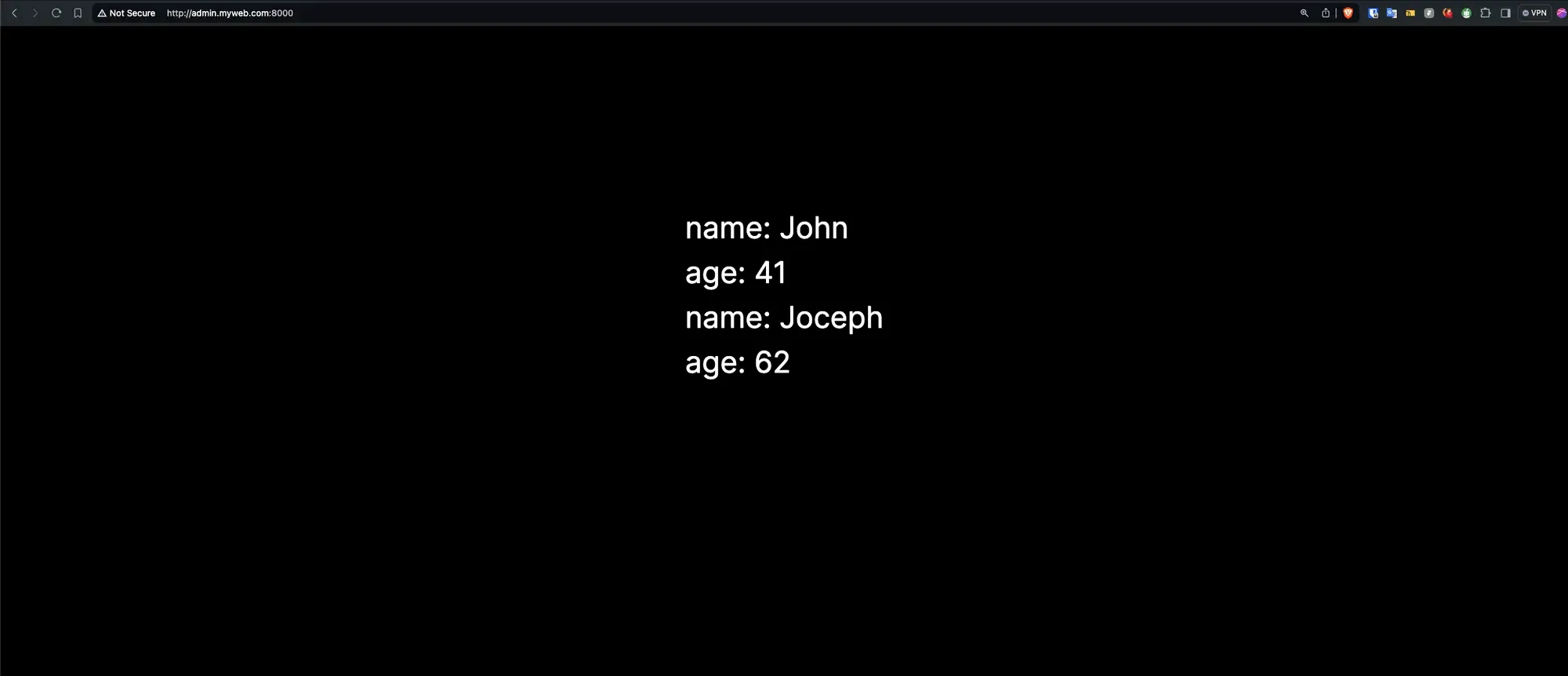
จะได้แบบนี้